
Yono App Permissions: What's Normal and What's a Red Flag
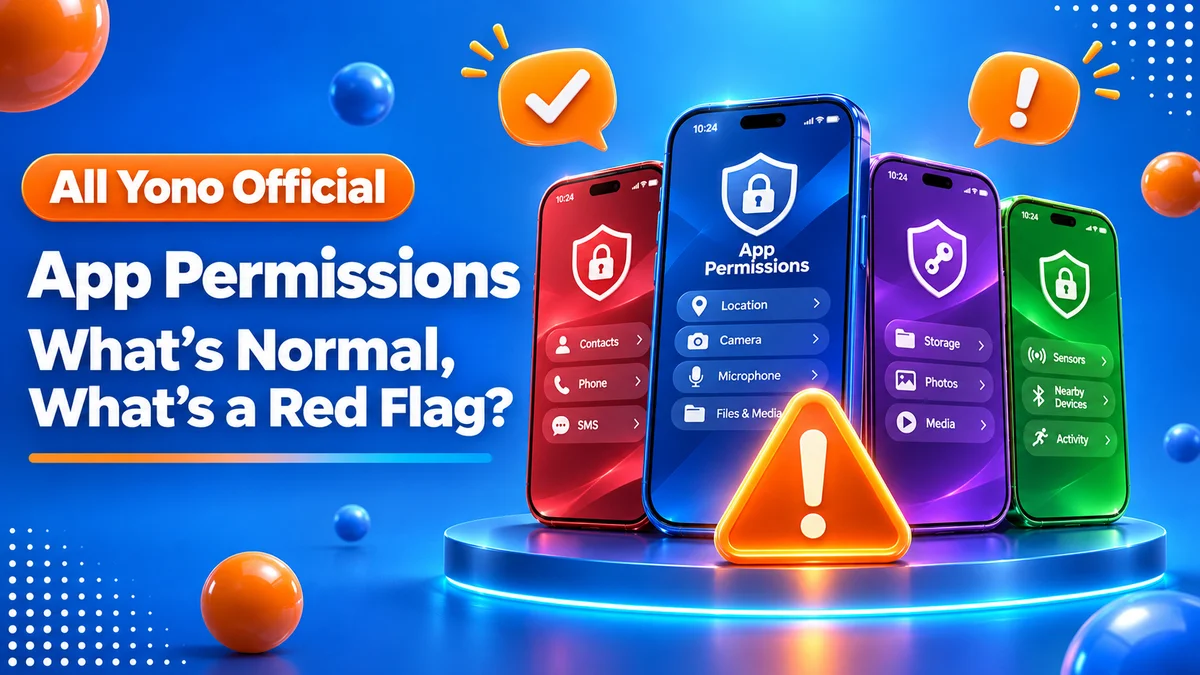
Every app on this site installs as a direct APK rather than through the Play Store, which means none of them go through Google's own permission review before reaching your phone. That makes it worth knowing, in plain terms, what a card-game app actually needs to function — and which permission requests go beyond that and deserve a second look before you tap "Allow."
Why This Matters More for Sideloaded APKs
A Play Store app is scanned and its permission requests are visible before install, with Google able to flag abusive patterns. A sideloaded APK skips that layer entirely — the only check happening is whatever you do yourself, at install time and afterward. That doesn't make every sideloaded app unsafe, but it does mean the usual "it's on the Play Store so it's probably fine" shortcut doesn't apply here.
Common Permissions and What They're Normally For
| Permission | Typical Legitimate Use | Worth a Second Look If... |
|---|---|---|
| Install unknown apps | Required just to install the APK itself (one-time, during setup) | It's still enabled site-wide after you're done installing |
| Storage | Saving the downloaded install file, caching game assets | It requests access to all files rather than just its own folder |
| Internet / network state | Connecting to game servers, loading promo-code data | This one is expected for essentially any online app |
| SMS | Auto-reading an OTP during sign-up, on some apps | It's requested outside of a sign-up flow, or kept long after setup |
| Contacts | No typical legitimate use for a card game | Requested at all — there's rarely a real reason a rummy or Teen Patti app needs your contact list |
| Display over other apps / overlay | Rare, legitimate use is a floating in-game widget | Combined with other sensitive permissions, since overlays can be used to mimic login screens |
| Accessibility service | Essentially never needed by a card game | Requested at all — this permission can read and control what's on your screen |
How to Check What Permissions an App Already Has
On most Android phones: open Settings, go to Apps, select the app in question, then Permissions. This shows every permission currently granted and lets you turn off anything that looks unnecessary without uninstalling the app. It's worth doing this check once after installing any app from this category, not just the one you're about to install next.
What All Yono Official Does and Doesn't Verify
This site lists publicly available information about third-party apps — deposit figures, bonus ranges, download links, and similar disclosed facts. It does not audit or certify the permissions any individual app requests, since that can change between versions. Our APK information and safety checks guide covers the broader pre-install checklist this page fits into.
Final Note
Most of the permissions these apps request are ordinary and tied to how a sideloaded game actually works. The exceptions — contacts, accessibility service, or SMS access outside a sign-up flow — are the ones worth pausing on before you tap Allow, regardless of which specific app is asking.
AllYonoOfficial.com does not run or own the apps listed here. The rummy app can be addictive and risky financially, so use them carefully. Only for 18+ people.
Please read our Disclaimer page and the specific disclaimer for each app.
Alert: Online money games, including rummy played for money, are prohibited in India under the Online Gaming Act, 2025. Some download links on this site are referral links.

